
Directory › Development › FreeLLMAPI
> GEM DEVELOPMENT · AGENTS & AUTOMATION · PERSONAL AGENTS
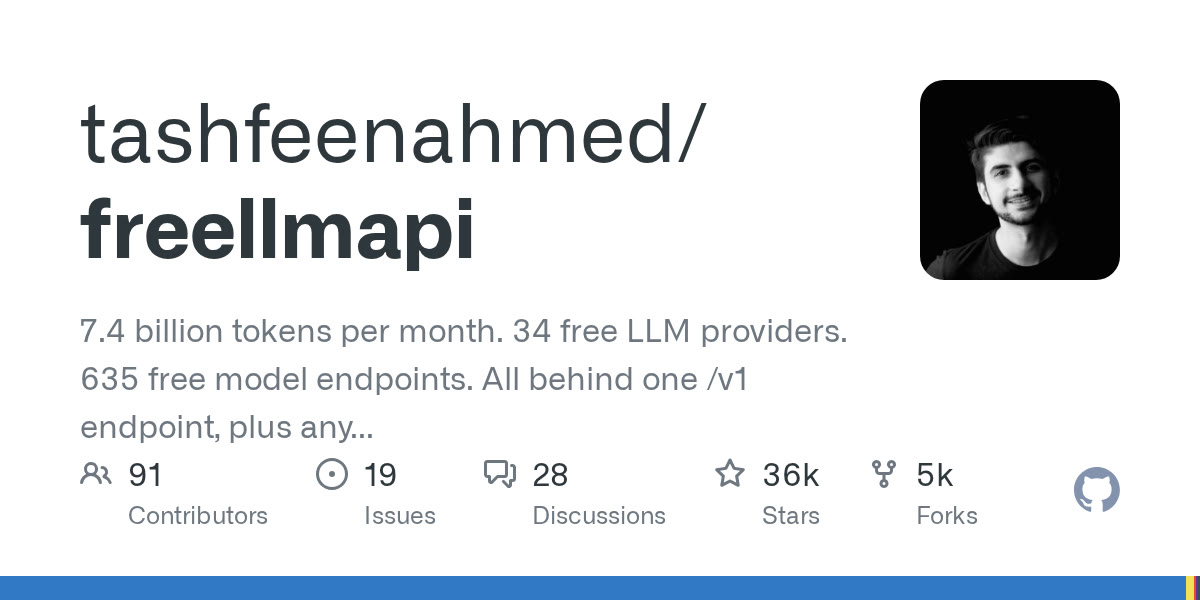
FreeLLMAPI
by tashfeenahmed
A single OpenAI-compatible endpoint that stacks the free tiers of dozens of AI providers, with automatic failover when a limit is hit.
View on GitHub →What it does
- One local /v1 address for your tools (Claude Code, Codex, OpenAI SDKs…) that picks the provider and fails over on limits
- Encrypted keys, dashboard, per-key quota tracking, also for images, speech and video
- For free experimenting: limited quotas, no frontier models, not built for production
! The author states: for personal experimentation, not production. Each provider's terms still apply when traffic goes through the proxy. 'Free' means limited quotas, no frontier models, variable quality late in the day. The container downloads a model catalog from freellmapi.co (twice a day); a paid option gives a live-updated catalog. The announced figures (34 providers, 7.4 billion tokens a month) come from the author's README.
Install it
Requirements: Docker with Compose. One free key per provider you want to use (Google, Groq, OpenRouter…).
curl -fsSL https://freellmapi.co/install.sh -o install.sh && less install.shbash install.shhttp://localhost:3001/v1

The prompt for your agent
Paste it into your coding agent: it checks the requirements and installs it for you.
Install FreeLLMAPI (https://github.com/tashfeenahmed/freellmapi) on my machine.
1. Check the requirements: Docker with Compose. One free key per provider you want to use (Google, Groq, OpenRouter…). If anything is missing, tell me before installing anything.
2. Follow the official method:
- Download the install script and read it before running it: curl -fsSL https://freellmapi.co/install.sh -o install.sh && less install.sh
- Run it (dashboard at http://localhost:3001, reachable only from your PC): bash install.sh
- see http://localhost:3001/v1
3. Check that it works, then explain how to launch it and where to start.
Always review what your agent is about to run, especially install commands.