
Directory › Personal agents › nanobot
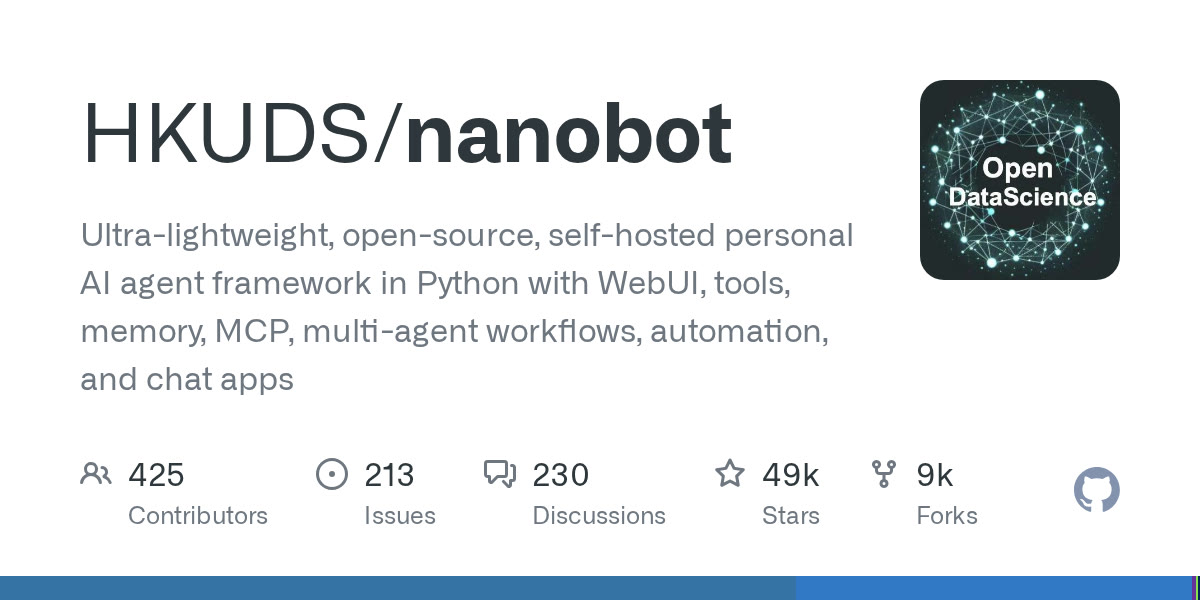
> GEM PERSONAL AGENTS · AGENTS & AUTOMATION
nanobot
by HKUDS (Univ. de Hong Kong)
An ultra-light personal agent in Python: the easiest to read if you live in the Python ecosystem.
View on GitHub →What it does
- Web and terminal UI, memory, MCP, model routing, automations
- Inspired by OpenClaw but the core stays small and readable
- Installs from PyPI or one command; works with Ollama
! A personal agent can read your files and run commands: run it on a dedicated machine or container, give it limited keys, and never let it act on messages from strangers without approval.
Install it
Requirements: Python 3.11 or newer (or uv).
Install
uv tool install nanobot-aiStart the web UI
nanobot webui
The prompt for your agent
Paste it into your coding agent: it checks the requirements and installs it for you.
Claude CodeCodexCursorGemini CLIopencode
Prompt
Install nanobot (https://github.com/HKUDS/nanobot) on my machine.
1. Check the requirements: Python 3.11 or newer (or uv). If anything is missing, tell me before installing anything.
2. Follow the official method:
- Install: uv tool install nanobot-ai
- Start the web UI: nanobot webui
3. Check that it works, then explain how to launch it and where to start.
Always review what your agent is about to run, especially install commands.