
Directory › Personal agents › NanoClaw
> GEM PERSONAL AGENTS · AGENTS & AUTOMATION
NanoClaw
by NanoCo
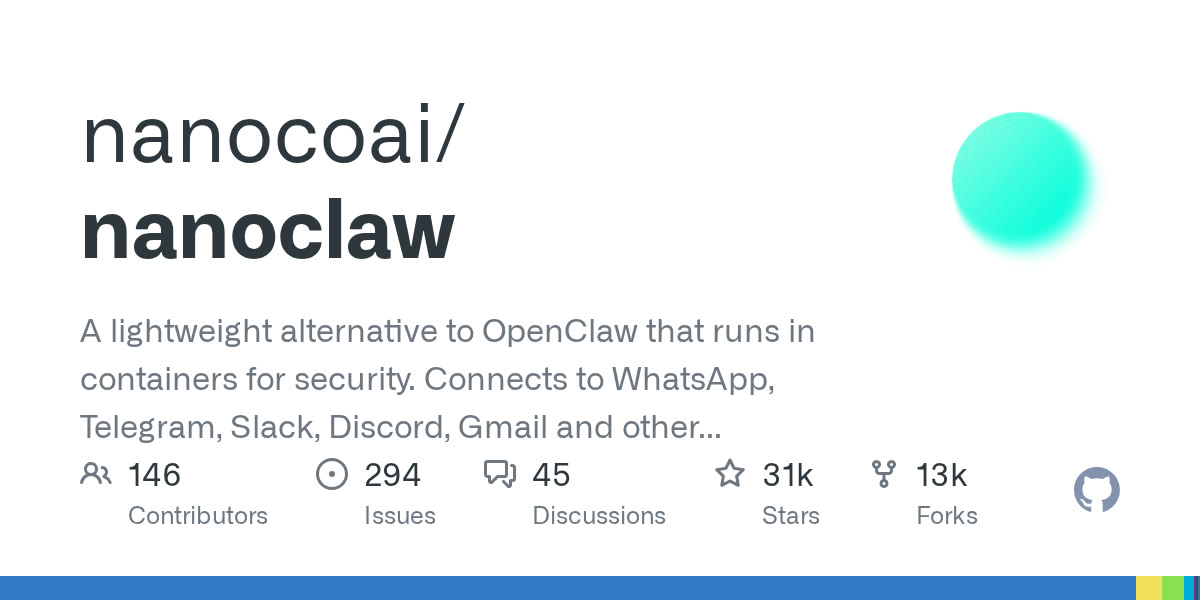
The lightweight OpenClaw alternative: every agent runs in its own Docker container.
View on GitHub →What it does
- Isolated by default: the agent can't touch the rest of your machine and never sees your real keys
- Chat apps (WhatsApp, Telegram, Slack…), memory and scheduled jobs, built on Anthropic's Agents SDK
- Small enough to read and modify; Claude Code helps you install and customise it
! The repo moved organisation (qwibitai → nanocoai): only follow links from the official repo.
Install it
Requirements: Docker, Node and pnpm: the script installs them if needed.
Clone the repository
git clone https://github.com/nanocoai/nanoclaw.git nanoclaw-v2Enter the folder
cd nanoclaw-v2Run the guided setup
bash nanoclaw.sh
The prompt for your agent
Paste it into your coding agent: it checks the requirements and installs it for you.
Claude CodeCodexCursorGemini CLIopencode
Prompt
Install NanoClaw (https://github.com/nanocoai/nanoclaw) on my machine.
1. Check the requirements: Docker, Node and pnpm: the script installs them if needed. If anything is missing, tell me before installing anything.
2. Follow the official method:
- Clone the repository: git clone https://github.com/nanocoai/nanoclaw.git nanoclaw-v2
- Enter the folder: cd nanoclaw-v2
- Run the guided setup: bash nanoclaw.sh
3. Check that it works, then explain how to launch it and where to start.
Always review what your agent is about to run, especially install commands.