
Directory › Video › /brag
> GEM VIDEO · MARKETING & SOCIAL · DEVELOPMENT
/brag
by latent-spaces
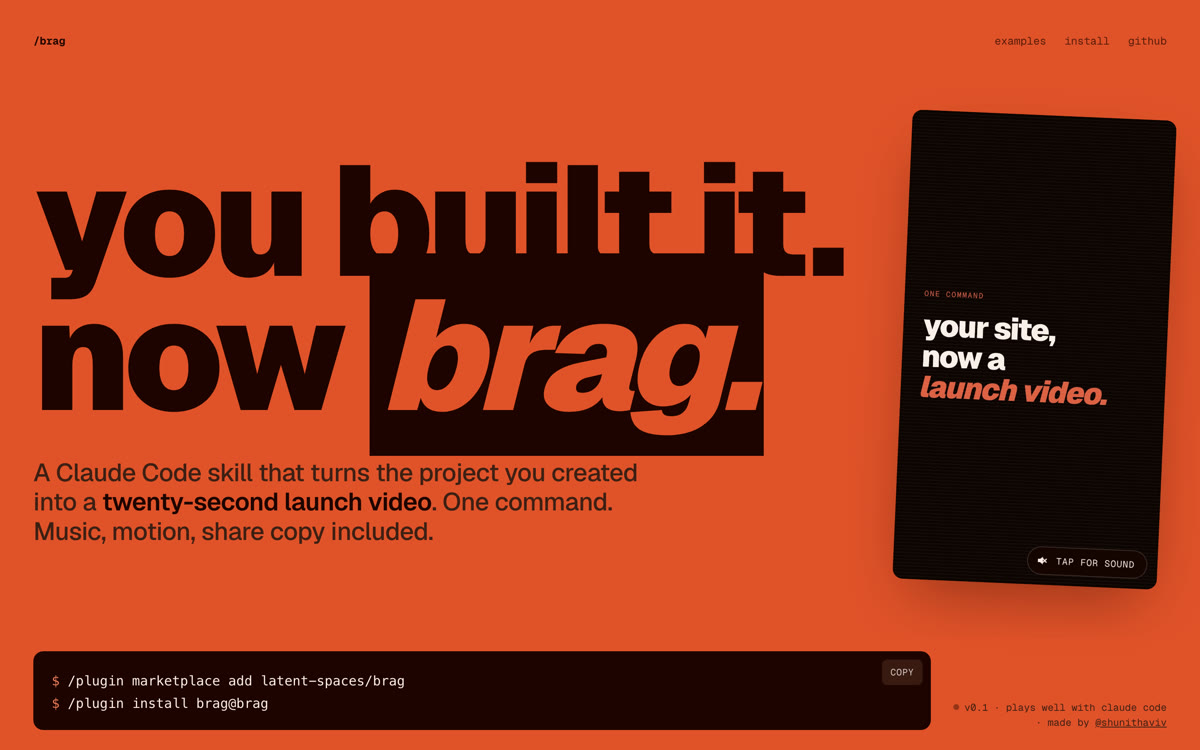
Turn your project into a launch video with one command.
View on GitHub →What it does
- Agent skill: analyzes your project and writes the storyboard
- Music, motion and share copy included
- Lightweight /brag-slim version for Opus 5.5, no dependencies
Install it
Requirements: A skills-compatible agent (Claude Code, Codex, Cursor, Gemini CLI, opencode…), Node.js 22+ and FFmpeg.
Claude Code
/plugin marketplace add latent-spaces/brag
/plugin install brag@brag
Codex
codex plugin marketplace add latent-spaces/brag
codex plugin add brag@brag
Cursor, Gemini CLI, opencode, Copilot…
npx skills add https://github.com/latent-spaces/brag --skill brag
The prompt for your agent
Paste it into your coding agent: it checks the requirements and installs it for you.
Claude CodeCodexCursorGemini CLIopencode
Prompt
Install the /brag skill (https://github.com/latent-spaces/brag) for yourself, in this project.
1. Check that Node.js 22+ and FFmpeg are installed; if not, tell me what to install.
2. Install it the way your agent expects (Claude Code or Codex plugin, otherwise: npx skills add https://github.com/latent-spaces/brag --skill brag).
3. Then run /brag on this project to produce a 20-second vertical launch video, and show me the result.
Always review what your agent is about to run, especially install commands.