
Directory › Development › Claude Code
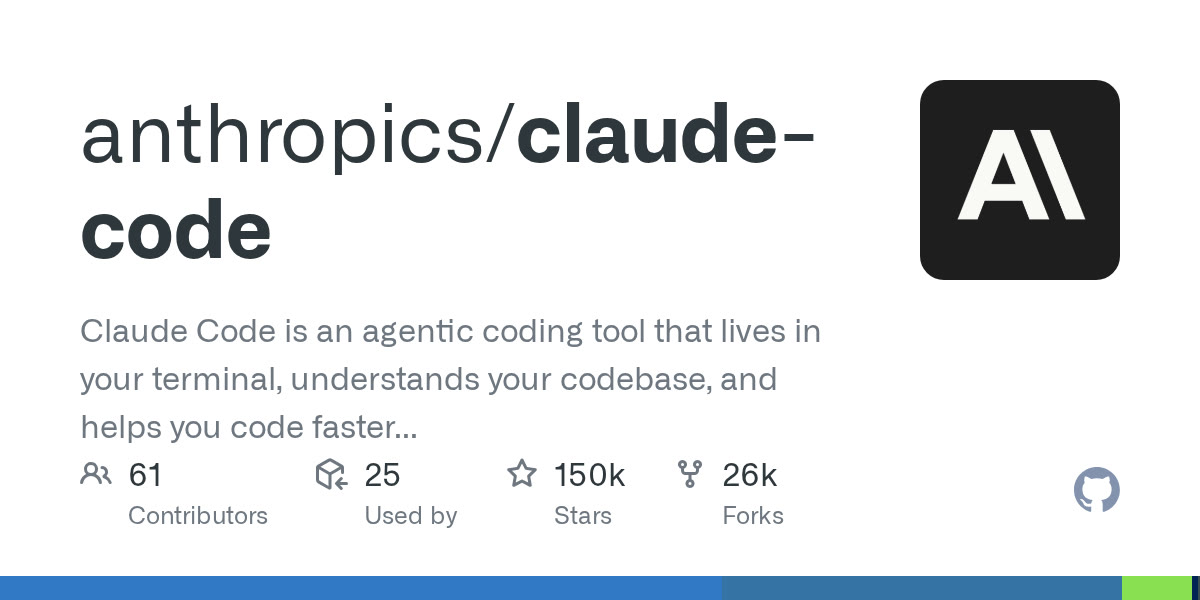
> GEM DEVELOPMENT · AGENTS & AUTOMATION
Claude Code
by Anthropic
Anthropic's coding agent that reads your project, edits files and runs commands from your terminal.
View on GitHub →What it does
- Understands a whole repository and chains multi-file edits
- Extensible with MCP servers, skills, hooks and subagents
- Works in the terminal, VS Code, JetBrains and the desktop app
Install it
Requirements: A Claude account (Pro, Max, Team) or an Anthropic API key.
Install (macOS / Linux)
curl -fsSL https://claude.ai/install.sh | bashInstall (Windows PowerShell)
irm https://claude.ai/install.ps1 | iexRun it in your project
claude
The prompt for your agent
Paste it into your coding agent: it checks the requirements and installs it for you.
Claude CodeCodexCursorGemini CLIopencode
Prompt
Help me get started with Claude Code (https://claude.com/product/claude-code).
1. Summarize what the tool can do for me: Anthropic's coding agent that reads your project, edits files and runs commands from your terminal.
2. Explain how to create an account and check current pricing on the official site.
3. Suggest a first concrete use case, step by step.
Always review what your agent is about to run, especially install commands.