
Directory › Agents & automation › LumaBrowser
> GEM AGENTS & AUTOMATION · LOCAL AI · PRODUCTIVITY & DOCS
LumaBrowser
by Lumabyte
Your whole local AI stack in a browser.
View on GitHub →What it does
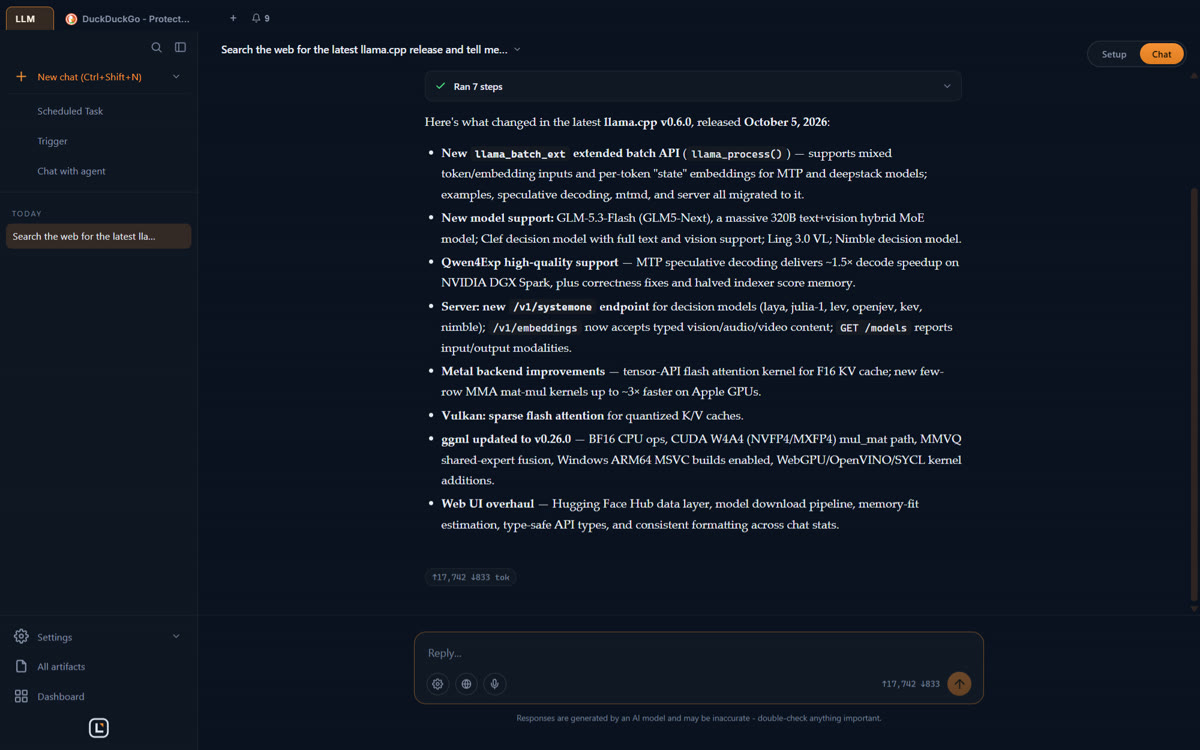
- Chat, agents, images, video, music and voice, all local
- Tells you which models fit your GPU before you download them
- Your agents can drive the browser through MCP
Install it
Requirements: Windows x64, Linux x64 or Apple Silicon Mac. A GPU helps for large models (8 GB recommended for images).
Download the latest release
https://github.com/amurgola/LumaBrowser/releases/latest

The prompt for your agent
Paste it into your coding agent: it checks the requirements and installs it for you.
Claude CodeCodexCursorGemini CLIopencode
Prompt
Install LumaBrowser (https://github.com/amurgola/LumaBrowser) on my machine.
1. Detect my OS and download the right file from the latest GitHub release: .exe installer on Windows, AppImage on Linux, .dmg on Apple Silicon Mac.
2. Install it, then launch it.
3. Explain how, from the app, to add its MCP server to my agent (Claude Code, Codex, Cline or OpenCode) so you can drive the browser.
4. Remind me to set an API key if I expose its local API (port 3000) to my network.
Always review what your agent is about to run, especially install commands.