
Directory › Personal agents › ZeroClaw
> GEM PERSONAL AGENTS · AGENTS & AUTOMATION · LOCAL AI
ZeroClaw
by ZeroClaw Labs
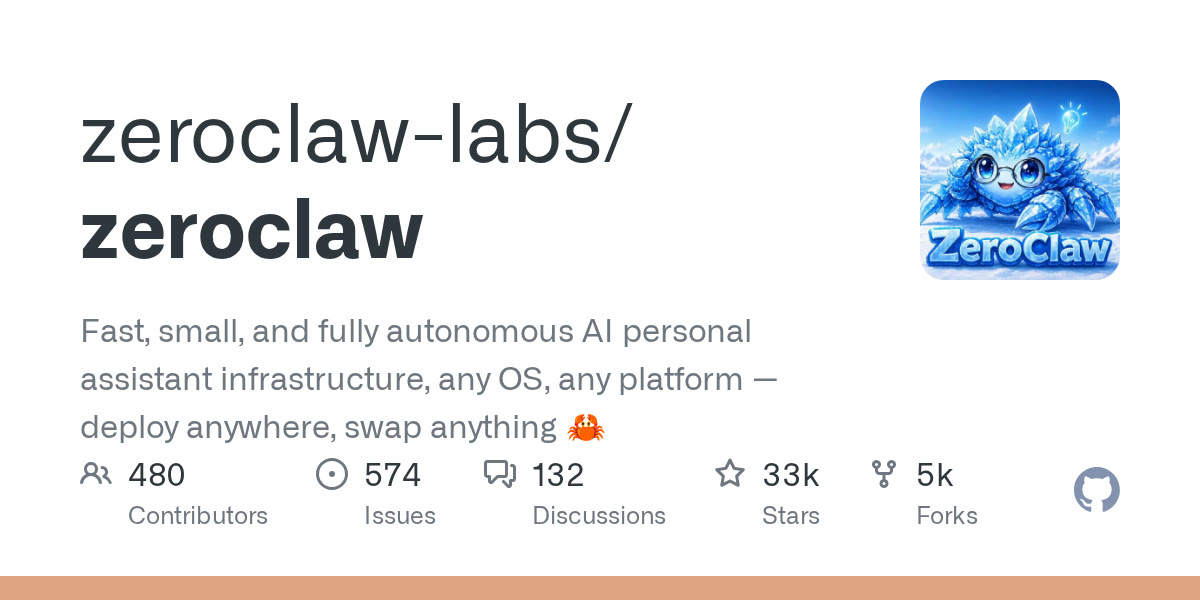
The personal agent as a single Rust binary: fast, tiny, dozens of channels.
View on GitHub →What it does
- Under 5 MB of memory claimed, ideal for a cheap always-on server
- Talks to Anthropic, OpenAI, Ollama and 20+ more; 30+ channels; shell, browser and MCP tools
- Apache-2.0 licence; smaller community than OpenClaw
! A personal agent can read your files and run commands: run it on a dedicated machine or container, give it limited keys, and never let it act on messages from strangers without approval.
Install it
Requirements: Nothing to prepare on Linux/macOS; dedicated guide for Windows.
Download the official install script
curl -fsSL https://raw.githubusercontent.com/zeroclaw-labs/zeroclaw/master/install.sh -o zeroclaw-install.shRead it before running it
less zeroclaw-install.shRun it
sh zeroclaw-install.shGuided setup
zeroclaw quickstart
The prompt for your agent
Paste it into your coding agent: it checks the requirements and installs it for you.
Claude CodeCodexCursorGemini CLIopencode
Prompt
Install ZeroClaw (https://github.com/zeroclaw-labs/zeroclaw) on my machine.
1. Check the requirements: Nothing to prepare on Linux/macOS; dedicated guide for Windows. If anything is missing, tell me before installing anything.
2. Follow the official method:
- Download the official install script: curl -fsSL https://raw.githubusercontent.com/zeroclaw-labs/zeroclaw/master/install.sh -o zeroclaw-install.sh
- Read it before running it: less zeroclaw-install.sh
- Run it: sh zeroclaw-install.sh
- Guided setup: zeroclaw quickstart
3. Check that it works, then explain how to launch it and where to start.
Always review what your agent is about to run, especially install commands.